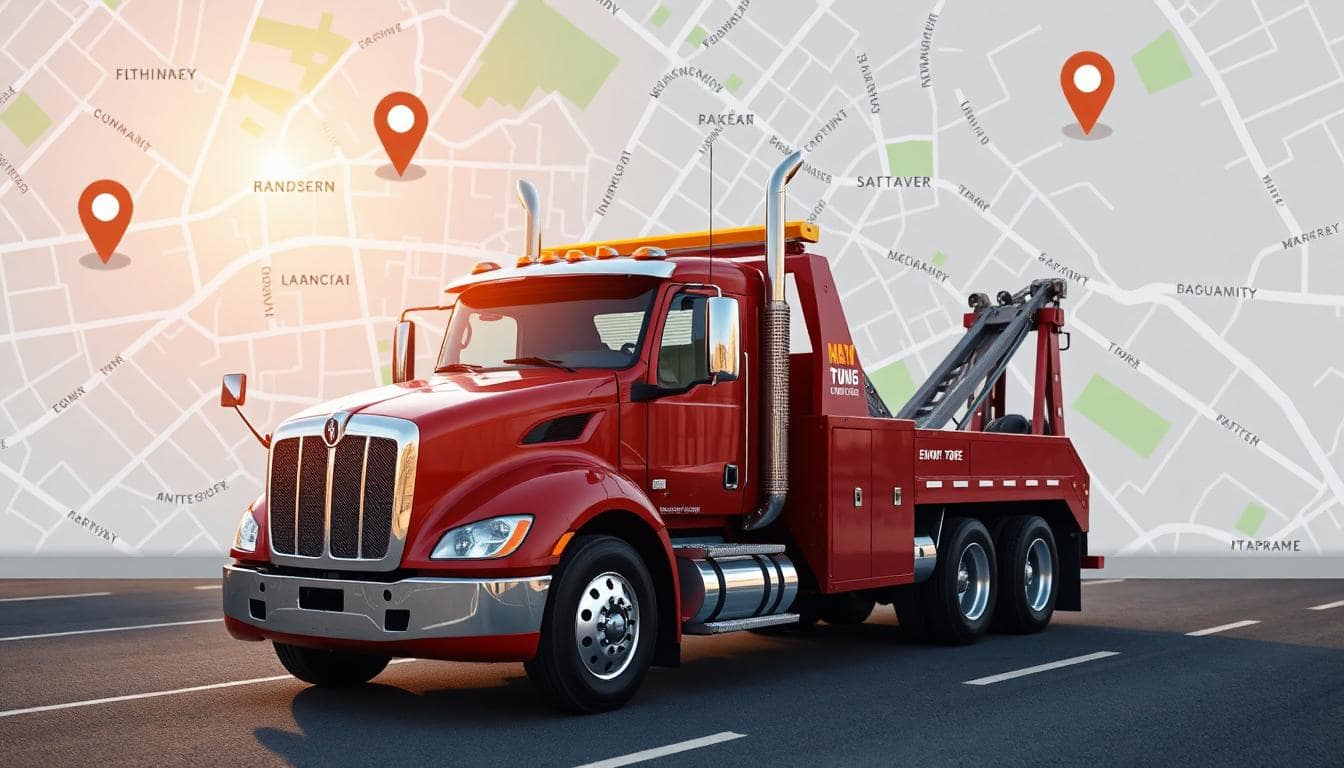
How Towing Companies Can Improve Their Website (and Customer Service) in a Couple Minutes
 Reading Time: 3 minutes
 TL;DR: Add a service area map to your towing company’s website. It’ll save you time, cut down on bad-fit calls, and help Google rank you for the right customers. It takes 2 minutes and costs nothing.
Why a Map on Your Home Page Just Makes Sense
If you’re running a towing company, you’ve probably had your phone ring with someone just outside your coverage area. You either take the job and regret it, or you waste time explaining that you don’t go that far. Neither is great.
That’s why adding a clear, simple service area map to your website is a win for both you and your customers.
And a Few More Things, While I’m at it…
Make sure your home page has the following – as close to the top as possible:
- Your phone number
- Your hours
- If you offer emergency service
- An interactive map of your service area
That’s really the who, what, when, where, and why. If people don’t see that at first glance of coming to your website, they’ll go back and try the next result. Make it easy for them to choose you with all of this information right at the top – and I’m talking on mobile. Test you website on mobile devices to make sure it works like it should.
And your website should load quickly – that’s huge for ranking well in Google because if you do, then your website provides the best user experience. Google doesn’t want to list search results of websites that are slow. Nope.
What Is a Service Area Map?
It’s a map that shows where you do business. Not a Google Map of your address — an actual visual of the zones you cover. With ServiceAreaMaps.com, you can generate one for free in just a couple minutes.
No account. No software. Just plug in your address, choose your radius (or add specific cities), and hit generate.
Here’s a live example:
The Big Benefits for Towing Companies
- Fewer Wasted Calls
People can see instantly if they’re in your range. This cuts down on out-of-area calls and saves everyone time. - Faster Dispatch
Got multiple trucks in different towns? You can build multi-location maps and embed them right into your site. - Better SEO
Embedding a map that includes city names or zip codes helps your site rank higher in local search. - Looks More Professional
A clear map shows you’re organized and transparent. It builds trust. - Helps You Win Bids
If you’re working with insurance or roadside assistance networks, having a visual of your range can help you get approved.
Other Use Cases That Help
- Show zones with extra fees or surcharge areas
- Indicate off-limits regions (e.g. gated communities)
- Create seasonal maps (e.g. snow routes only)
- Include a flyer version to hand out to fleet clients or dealerships
How to Add a Map to Your Website
Here’s how simple it is:
- Go to ServiceAreaMaps.com
- Enter your business address
- Set your radius or enter specific cities/zip codes
- Customize your map title and colors
- Copy the embed code and paste it into your website
If you need help updating your website, the Maintenance Team at Webstix can make these changes for you on a per-half hour basis.
Pro Tip: Use the Description Field Wisely
Each map includes a description field that shows up on its standalone page and is indexed by search engines. This is a great spot to add helpful text like:
- “Emergency towing in Dane County”
- “Fast, reliable towing near Madison, WI”
- “Jumpstarts, flat tire help, and local towing within 25 miles”
Final Thoughts
Adding a service area map to your towing website is one of the fastest and easiest ways to improve your business online. It helps your customers, boosts SEO, reduces wasted calls, and adds polish to your site.
And with ServiceAreaMaps.com, it’s completely free and takes less than five minutes.
📄 Download a PDF of This Article