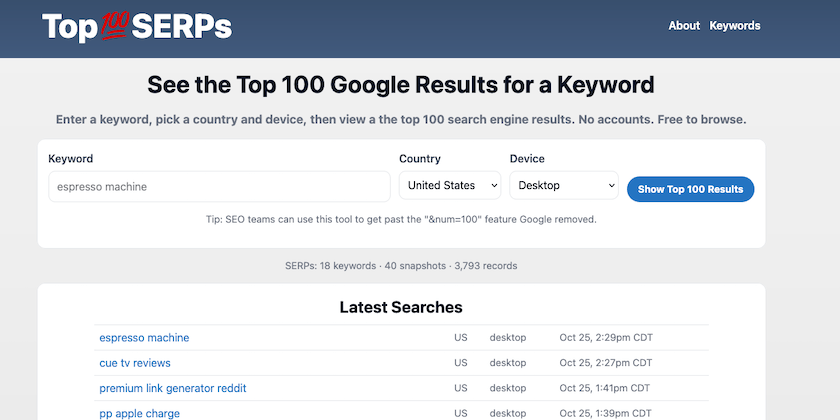
Launching Top100SERPs.com — See the Top 100 Google Results for Any Keyword
 Reading Time: 3 minutes
 TL;DR Summary: Quickly see the top 100 Google results for any keyword with Top100SERPs.com. It offers a sequential list for easy scanning, absolute rank visibility, estimated CTR indicators, domain filtering, and snapshot history comparison. Ideal for SEO, content, and paid search professionals missing Google's &num=100 feature, this tool provides valuable insights efficiently. Explore the benefits of Top100SERPs.com by visiting the site, selecting your preferences, and uncovering comprehensive search result data effortlessly.
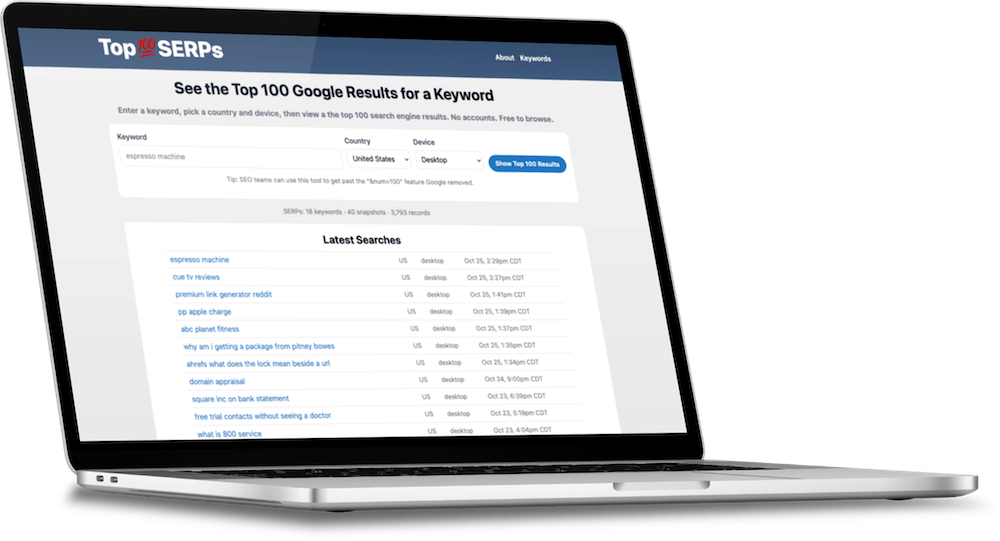
I’m excited to launch Top100SERPs.com — a fast, simple way to see the top 100 Google results for any keyword, by country and device.
It lists results sequentially (1–100) for easy scanning, with an option to show each result’s absolute (“abs”) rank in Google’s page order.
Most of all, it solves the &num=100 feature Google took away.
What it Does
- Top 100, at a glance: A clean 1–100 list of results for your keyword.
- Absolute ranking (abs): Toggle to show the item’s absolute rank across everything Google displayed (ads, featured snippets, Top stories, maps, videos, etc.).
- Estimated CTR indicator: Each result includes a lightweight CTR estimate by position to help you gauge likely click potential.
- Filter by domain: Type a domain to highlight that site’s placements without losing the 1–100 numbering.
- Winners & Losers: Compare the latest snapshot with the previous one to see notable movers (▲ up / ▼ down), plus “New” and “Dropped.”
- Snapshot history: We store SERP snapshots so you can open older versions and compare.
- CSV export: Download the current top 100 with seq rank, abs rank, domain, title, URL, snippet, and estimated CTR.
Why it’s Useful
If you work in SEO, content, or paid search, you can quickly answer: “What actually shows on page one for my term?” The sequential list improves readability while “abs” clarifies why “#1” in a list might be “abs #2” if, say, a feature or ad occupied the first slot.
This Solves &num=100
Google took away this feature in search results where you used to be able to add&num=100 to tell Google’s web UI to show 100 results on one page. As of mid-September 2025, Google killed it. The parameter is now ignored, and you’ll only get the default ~10 results per page. Google confirmed the URL parameter “is not something we formally support.”
That was handy for manual reviews and rank-tracking/scraping because you could grab 100 results with one request. SEO people really liked it, but now it’s gone. This is my solution to that problem.
How it Works
We fetch results using the DataForSEO SERP API and cache snapshots per keyword, locale, and device. Pages load fast from cache; you can also request a live refresh when capacity is available.
Fair-use & Capacity
- Site-wide pool: We allow 100 live refreshes per day across the site. You’ll see the live counter in the header. It resets at 12:00 AM America/Chicago.
- Per-IP guard: Up to 10 refreshes per day per IP.
- Browsing existing results and history doesn’t count against the pool.
Try it
Start here: Top100SERPs.com
Choose your country and device, enter a keyword, and you’ll see the top 100 with optional “abs” and a domain filter.
Notes & Details
- Titles & snippets: Displayed as returned by the data source (some may appear truncated).
- Less than 100 results: Occasionally Google shows fewer organic URLs for some queries; we cap display at 100.
- Absolute rank (abs): Counts every result type in the order Google showed them.
Related Tools
- RankCheckPro — rank tracking and reporting for ongoing monitoring.
Privacy
No accounts are required. We log basic request data to enforce fair-use and improve reliability.
Feedback
I’d love to hear how you’re using it and what you’d like to see next. Try a few keywords and let me know what would make your workflow faster.
📄 Download a PDF of This Article