
WordPress Code Copy Button Plugin
 Reading Time: 2 minutes
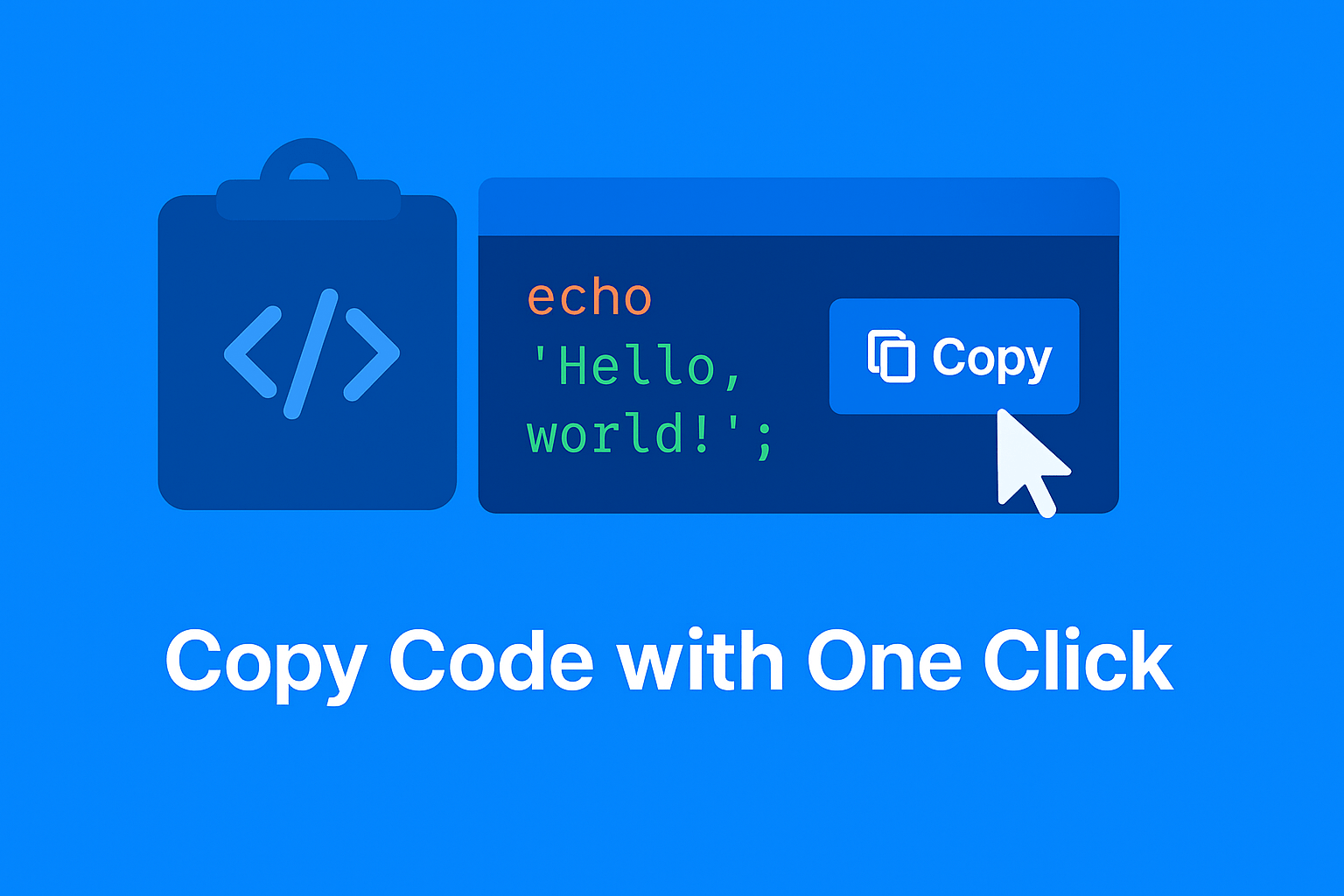
 Make it easy for your website visitors to copy code snippets with a single click! The Code Block Copy Button plugin adds a convenient, customizable copy button to all code blocks on your site above the block, not in the way of your code.
echo 'Hello, world!';Whether you run a technical blog, documentation site, or tutorial platform, this plugin helps your readers quickly grab the code they need without selecting and copying manually.
My Notes: This is a simple plugin without a lot of frills. I was looking for a plugin that did this and works with all themes and I couldn’t find one, so I created it. It adds a Copy button to all code blocks on your entire site, so only use this if you’re fine with that. There’s currently no way to turn it off for certain posts, but you could do that in the CSS if you want and if your theme supports it.
Features:
- Automatically adds a Copy button to all <pre> code blocks.
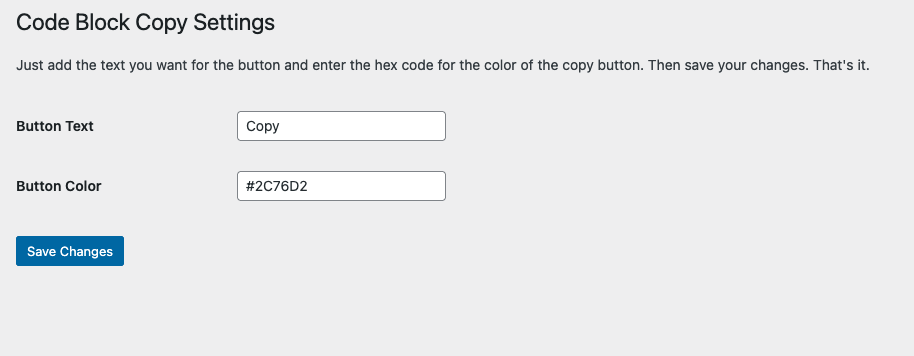
- Customize the button text (e.g., “Copy”, “Copy Code”).
- Change the button color to match your website’s theme.
- Simple settings panel under Settings > Code Block Copy.
- Works with the Gutenberg Code block and Classic Editor.
- Lightweight, fast, and no coding required.
How to Use:
- Install and activate the plugin.
- Go to Settings > Code Block Copy to configure the button text and color.
- That’s it! The Copy button will automatically appear above your code blocks.
Screen Shots:
Support Development:
This plugin is provided for free. Available at the WordPress.org plugin repository. If you would like to support the development of this plugin, you can donate on Venmo.

If you have any suggestions for features for this plugin, let me know in the comments below.
📄 Download a PDF of This Article
